

Blog, Underwater
How to Set White Balance Underwater
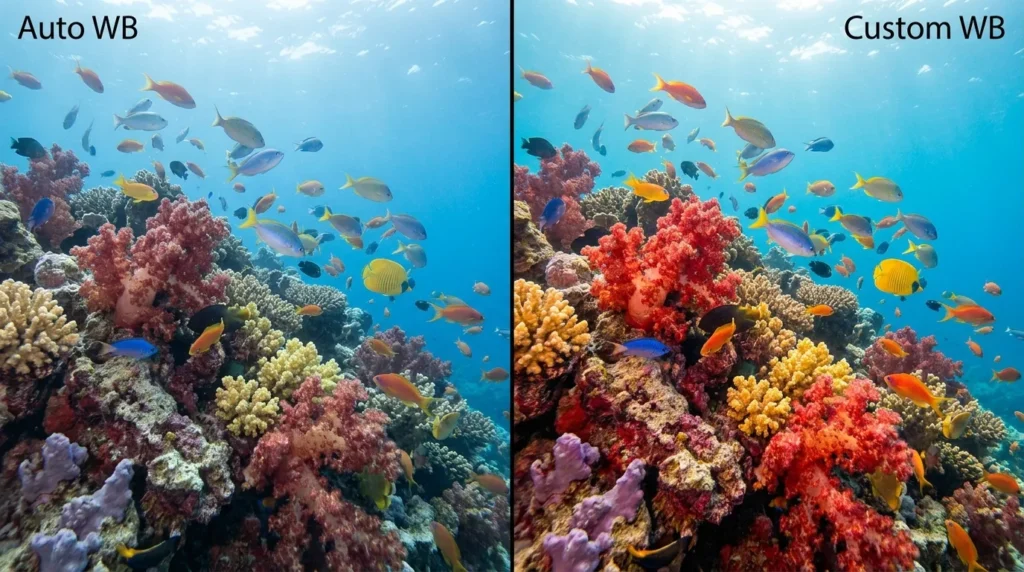
Why Your Underwater Photos Look Blue
You spot a brilliant red fish, frame the shot, and check the screen, only to find a dull blue-gray shape. Sound familiar? It is one of the most common frustrations in underwater photography. Better color starts with understanding light and white balance.
Contents
Water acts like a giant color filter. As you descend, warm colors such as red and orange are absorbed first. By 5 meters, much of the red has disappeared. At 10 meters, orange and yellow begin to fade too. Blue and green dominate, and your camera records a blue cast that your eyes may barely notice. White balance tells the camera what should look white in the available light, helping restore more natural color.
How to Set a Custom White Balance
In shallow water, down to about 15 meters, custom white balance is a precise way to capture natural colors without a flash. Most modern cameras support it, and the process is simpler than you might expect:
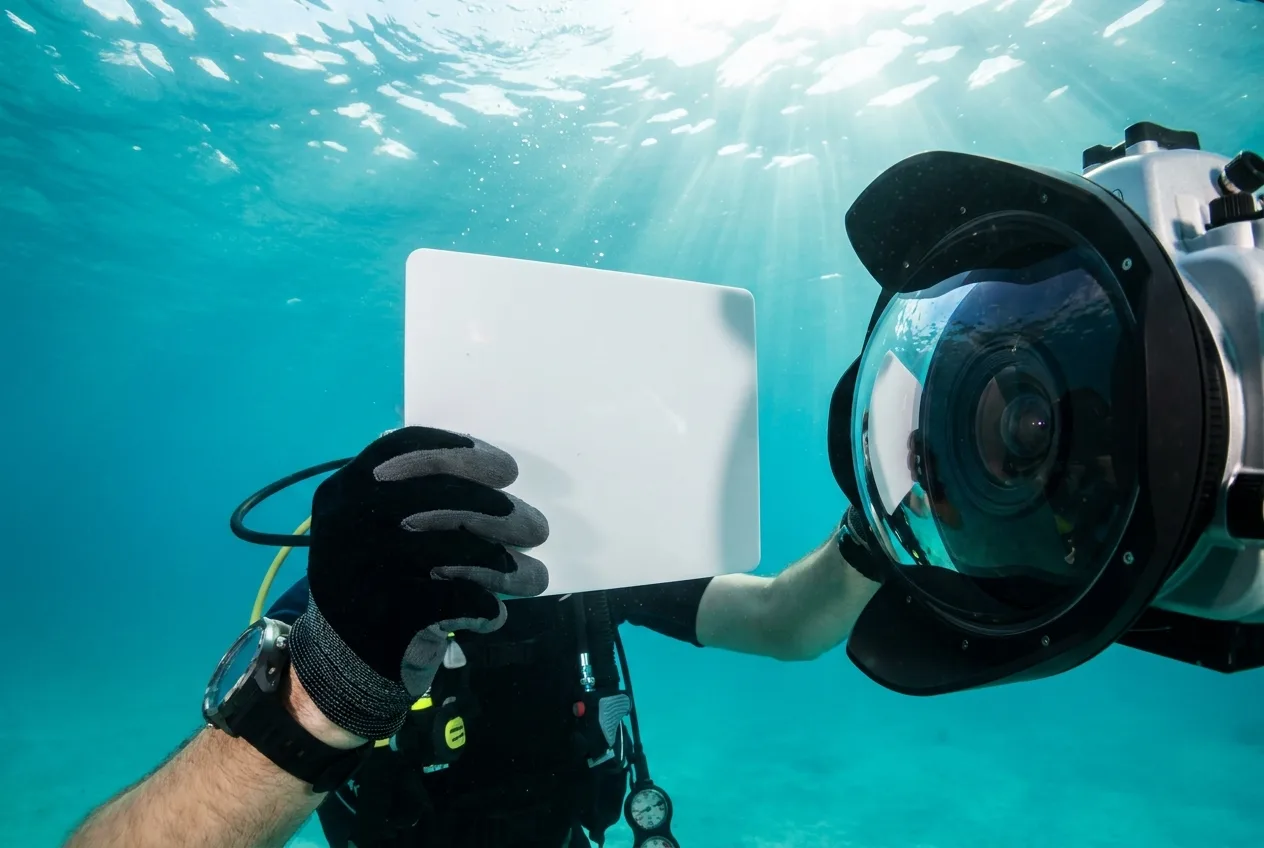
- Bring a white reference: Take a small dive slate, a white plastic sheet, or even use your hand against a light-colored wetsuit. The aim is to give the camera a neutral white reference.
- Frame the reference: Point your camera at the white surface. Make sure it fills most of the frame and is well lit by natural sunlight.
- Select Custom White Balance: Find the custom white balance setting in your camera’s menu, usually marked with its own icon, and take a reading. The camera records the white surface and uses it as a reference.
- Reset it when your depth changes: The light changes as you move through the water. If you ascend or descend several meters, take another reading to keep the colors accurate.
The result is brighter, more natural color, closer to what you would see in daylight. For more technical detail, explore resources such as Underwater Photography Guide.
Bringing Back the Reds: A Reef Example
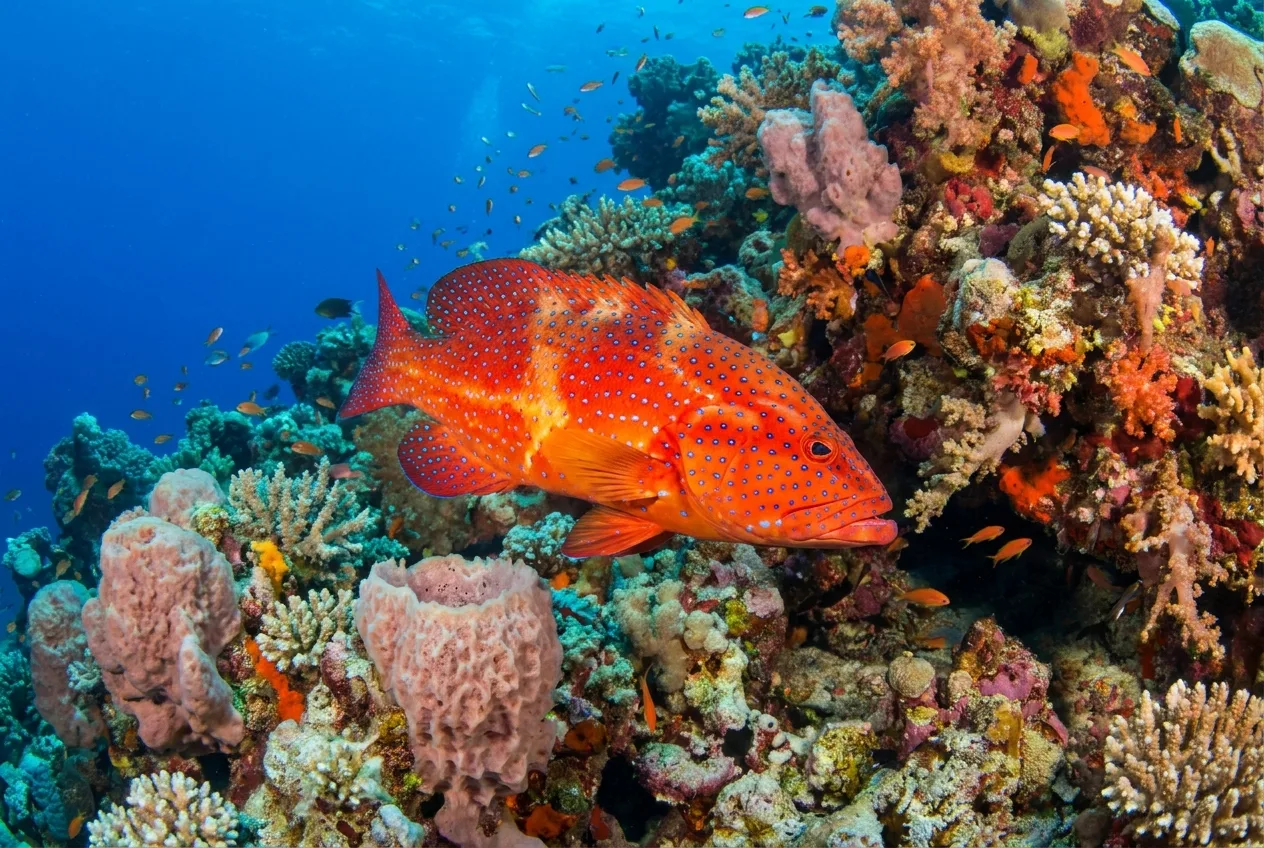
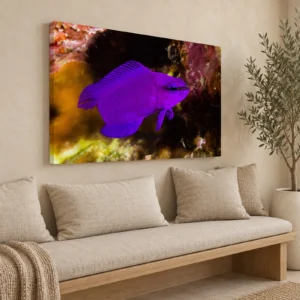
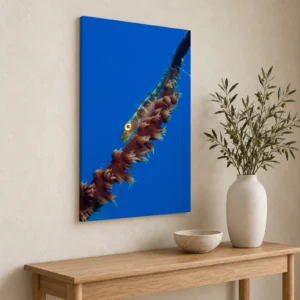
Capturing the vivid reds of marine life can be a challenge. Take the coral hind (Cephalopholis miniata), a colorful resident of the Red Sea’s reefs. Without suitable white balance, it can look dull and brown. With careful adjustment, its reds and oranges come through, creating the kind of striking image you can see in our canvas print.
When to Use Strobes or Custom White Balance
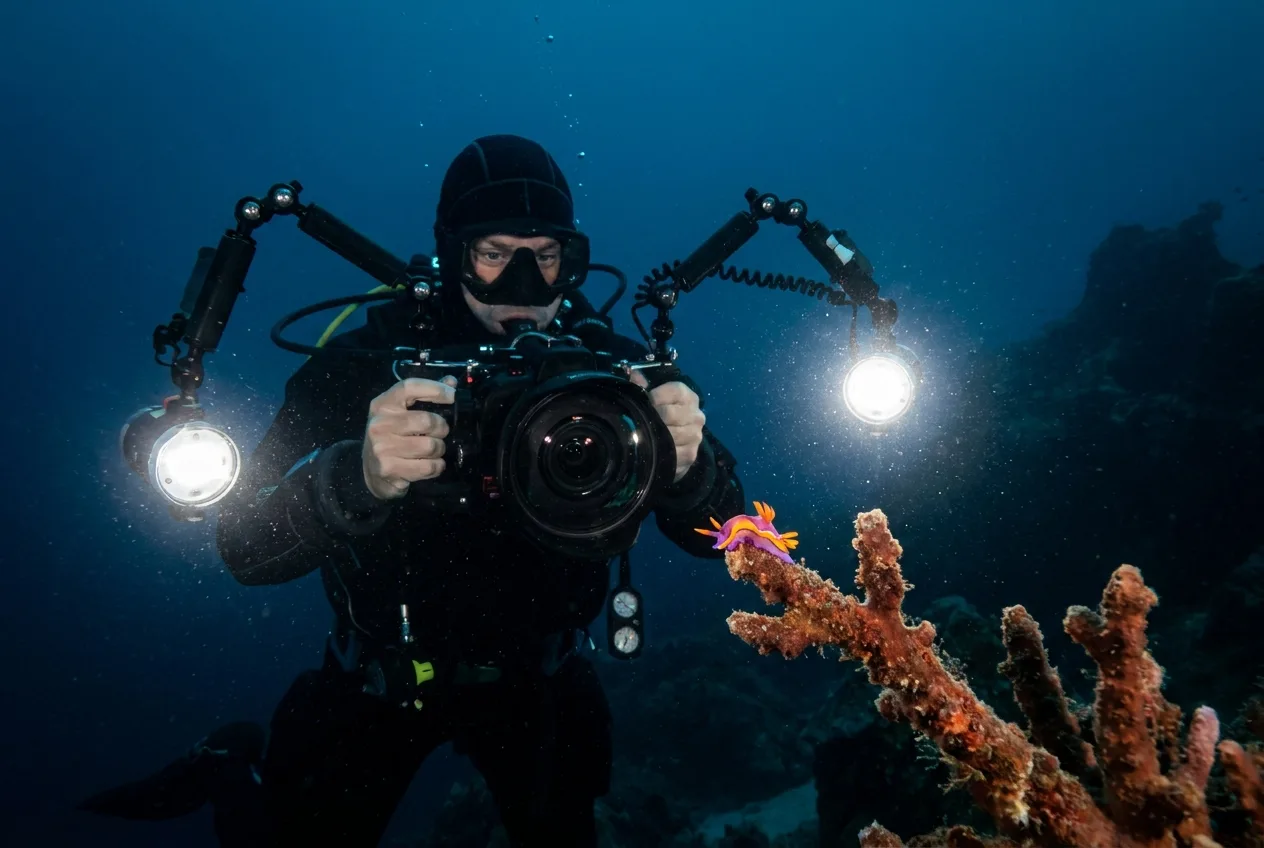
Custom white balance works well with natural light. Deeper underwater, or when photographing small subjects up close, sunlight may not provide the light you need. That is where external flashes, known as strobes, help. They light your subject with a full spectrum of color, including reds and yellows, so a custom white balance is no longer needed for that light. When using strobes, set your camera’s White Balance to automatic (AWB) or the flash preset and let the lights bring out the color.
For more techniques and inspiration, visit our blog for photography tips. If you have questions, get in touch.
Explore our canvas prints


Canvas Prints
Canvas Prints
Underwater Photography
Underwater Photography